

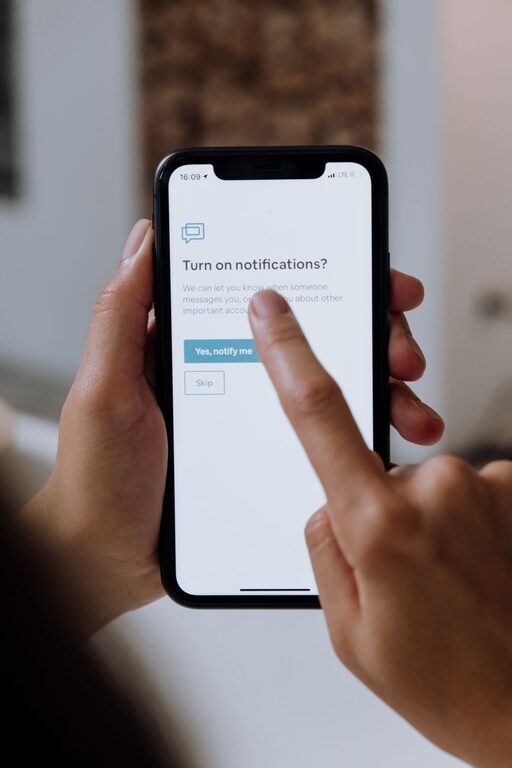
In today’s hyper-connected world, notifications from our devices can easily become a source of distraction and stress. Whether it’s your phone buzzing with social media alerts or your computer pinging with emails, constant interruptions can reduce productivity and impact your well-being. Setting clear boundaries with notifications is essential for managing your time and focus effectively.
In this post, we’ll explore practical tips to help you control your notifications so they serve you, not disrupt you.
Why Setting Boundaries with Notifications Matters
Notifications are designed to grab your attention—but when they do so constantly, they can:
– Fragment your focus, making it harder to complete tasks
– Increase stress and anxiety levels
– Interrupt deep work or relaxation time
– Lead to overuse of devices and technology fatigue
By setting strong boundaries, you can reduce these negative effects and create a healthier balance between staying informed and maintaining control over your day.
Tips for Managing Your Notifications
1. Audit Your Notifications Regularly
Start by reviewing which apps and services send you notifications. On both iOS and Android devices, you can view notification settings for each app.
– Disable notifications for apps that aren’t essential.
– Consider which notifications you truly need to respond to immediately.
– Reduce noise by turning off non-urgent messages.
2. Use Do Not Disturb and Focus Modes
Most smartphones and computers have built-in modes to help limit interruptions:
– Do Not Disturb: Silence all calls and notifications during certain times, such as meetings or bedtime.
– Focus Mode: Allows you to customize which apps can notify you during focus periods.
Set schedules for these modes to align with your work hours or relaxation time.
3. Customize Notification Settings by App
Not all notifications are created equal. Many apps let you choose the kinds of alerts you receive:
– Email apps may allow notifications only for VIP contacts.
– Social media apps let you receive alerts only for direct messages or tagged posts.
– News apps can limit breaking news alerts.
Fine-tuning these options reduces unnecessary distractions.
4. Create Notification-Free Zones and Times
Designate specific periods during your day when you avoid all notifications:
– During focused work sessions
– While spending quality time with family or friends
– Before sleep to improve rest quality
Use physical habits to support this, such as putting your phone in another room or using airplane mode.
5. Batch Your Notification Checks
Instead of responding to notifications as they arrive:
– Set specific times to check your messages and alerts.
– Use these periods to process notifications in batches.
– This approach prevents constant task-switching and improves efficiency.
6. Use Visual and Audio Cues Wisely
Sometimes visual or sound alerts can disrupt more than help:
– Consider turning off sounds and badges for less critical notifications.
– Use vibration or silent alerts for lower-priority apps.
– Keep visual alerts minimal to avoid screen clutter.
7. Leverage Technology Tools for Control
There are many apps and tools designed to help manage notifications:
– Notification managers allow you to group or mute alerts temporarily.
– Productivity apps include features that block distracting notifications.
– Check your device’s accessibility settings for additional options.
Experiment with tools that fit your lifestyle and workflow.
Benefits of Boundaries with Notifications
By applying these strategies, you can expect:
– Better focus and deeper concentration
– Reduced stress and feeling more in control
– Improved work-life balance and personal time quality
– Enhanced productivity and time management
Final Thoughts
Notifications are a helpful way to stay informed, but when unmanaged, they can become overwhelming. Taking time to set boundaries around them empowers you to use technology intentionally rather than reactively. Start with small changes and adjust as you find what works best for your routine and needs.
Remember, the goal is not to eliminate notifications entirely but to make them work for you.
—
If you found these tips helpful, try implementing one or two this week and notice the difference in your focus and well-being. Small changes lead to powerful results!